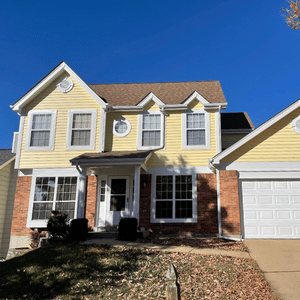

Design Your Home Exterior Before the First Panel Goes Up
Visualize siding colors and styles before you commit
Exterior Design Tool for St. Louis Homeowners
See Your New Exterior Before Work Begins
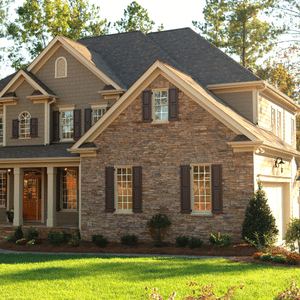
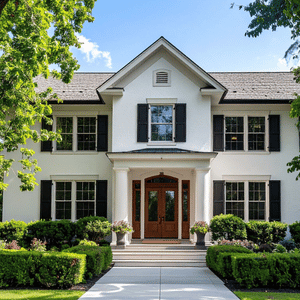
A home exterior visualization tool takes the guesswork out of one of the most visible decisions you will make about your property. Instead of relying on small material samples or trying to picture a color on a full facade, you can apply real product options to a home image and get a genuine sense of how the finished project will look. This is especially useful when comparing products at different price points or with different aesthetic profiles. The 7-inch reveal of Crane Board insulated siding, for example, gives a home a noticeably different architectural character than standard 3 to 5-inch hollow back vinyl. Seeing that difference on screen, on a home that resembles yours, is far more informative than reading about it.
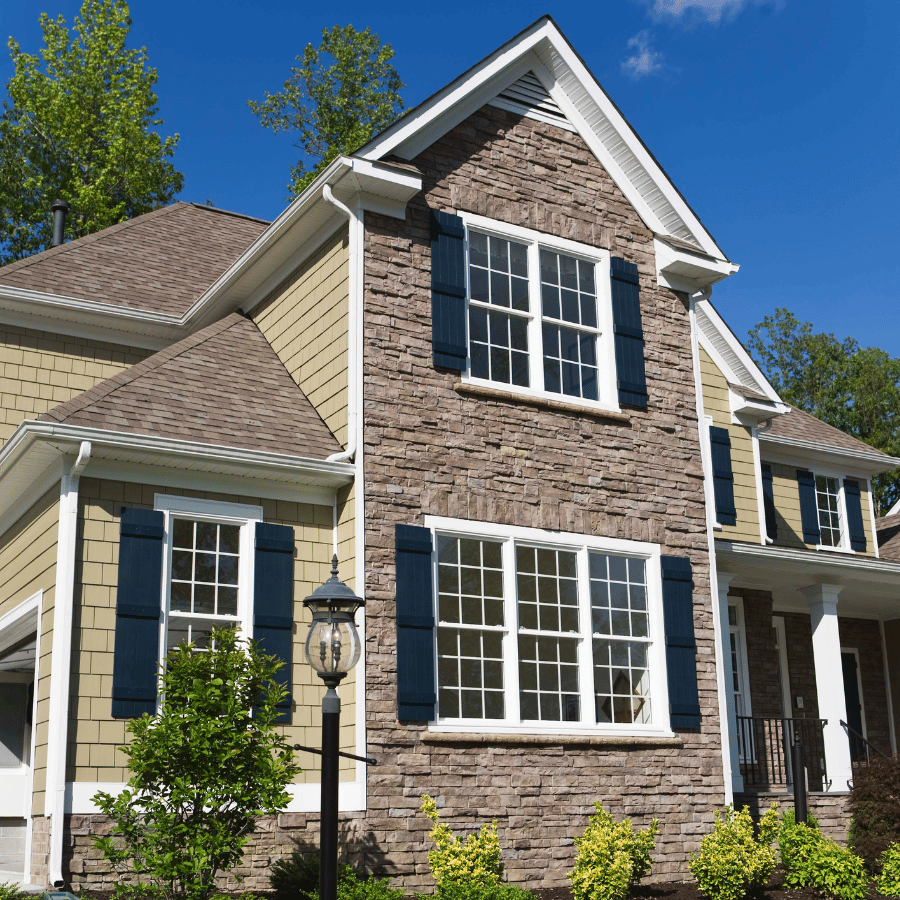
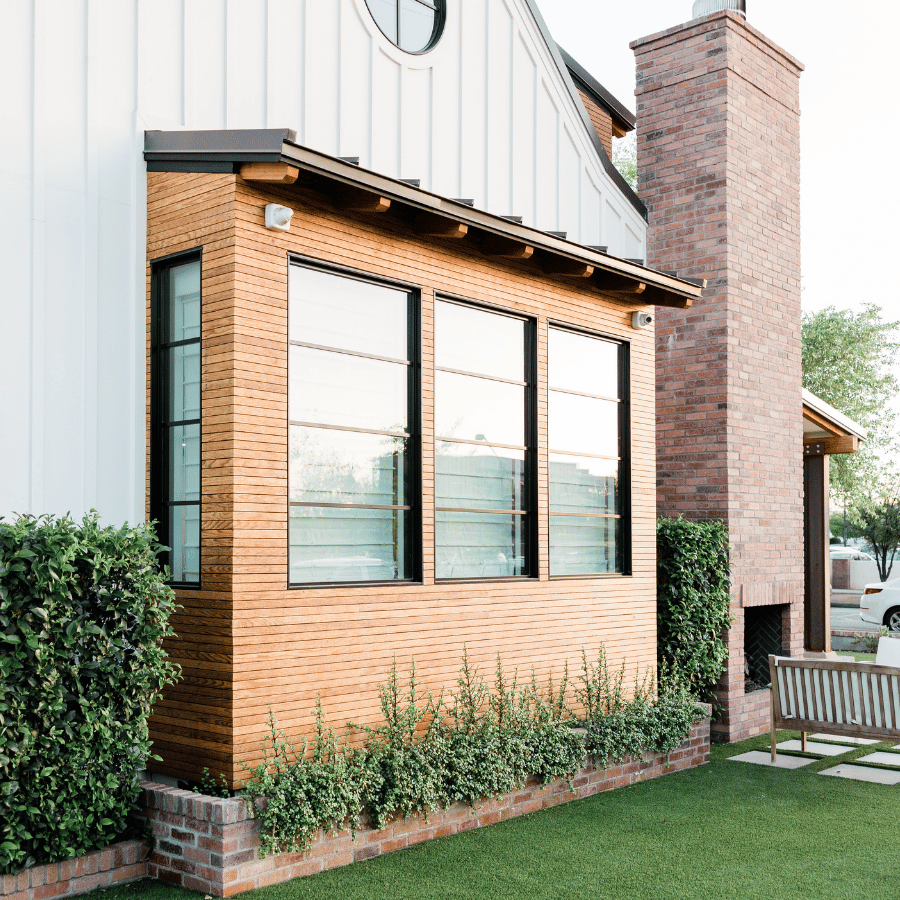
Siding Color and Style Selector
Compare Materials, Profiles, and Colors Side by Side
Our siding color and style selector lets you work through the full range of materials we install, including insulated Crane Board solid panels, Celect Cellular Siding, LP SmartSide engineered wood, James Hardie fiber cement, and CertainTeed options. Each product has its own profile, reveal width, and color palette. Trying combinations on screen means you can narrow down your preferences before we ever schedule a site visit. For homeowners in Ballwin and Chesterfield who want a premium cedar-look aesthetic without the upkeep of real wood, the 7-inch reveal in Crane Board is consistently one of the most popular choices once people see it applied to a full home image.
Why Visualization Matters for High-Investment Renovations
Make a Confident Choice on Your West County Home
When a project averages $25,000 and can reach $50,000, confidence in the final outcome matters as much as the quality of the installation itself. Home exterior visualization helps you move into the decision-making process with clarity rather than anxiety. It also opens up a productive conversation with Brad Coburn before work starts, so the crew that shows up on day one already knows exactly what you are going for. Our three dedicated crews have been with us between 12 and 22 years, and that kind of experience means they can execute on a specific aesthetic vision, not just a generic install. Seeing the design ahead of time sets the standard for what the finished job should look like.
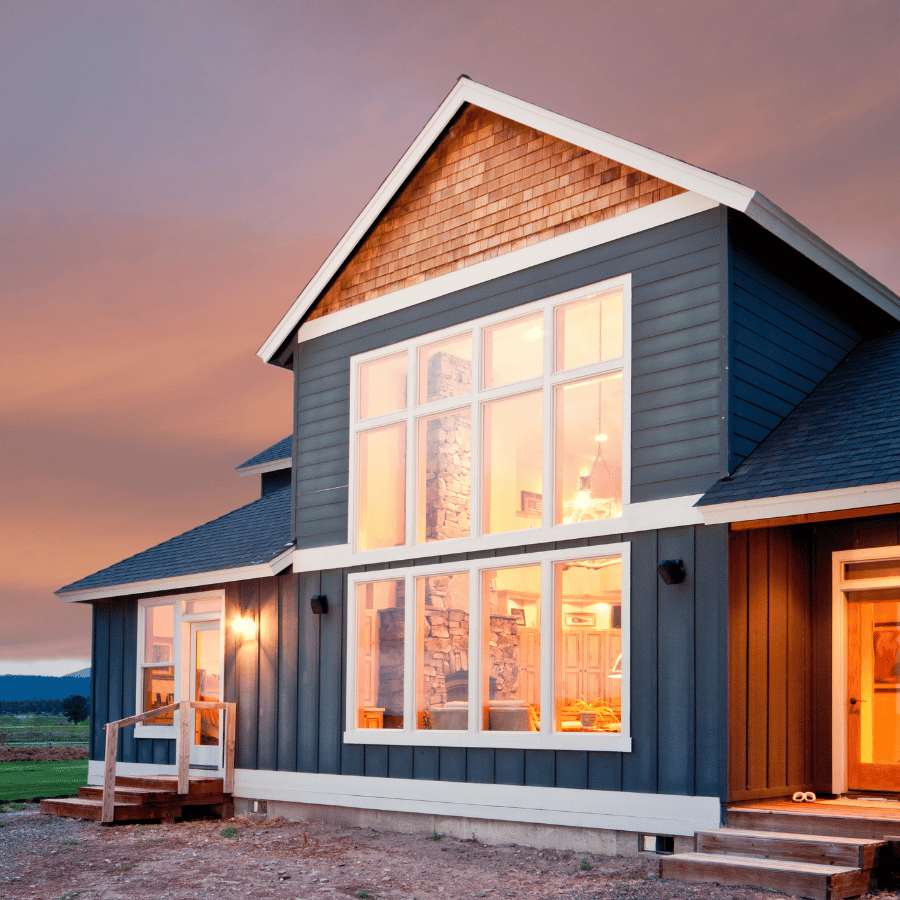
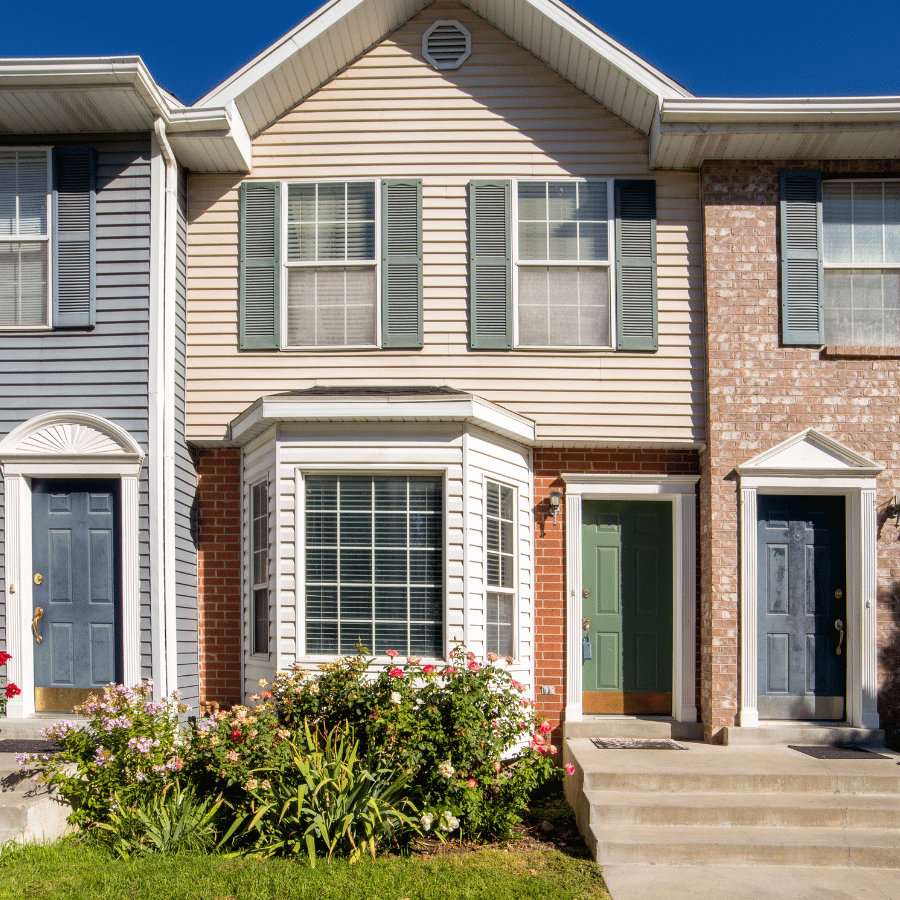
Products You Can Preview with Our Design Tool
From Insulated Siding to Stone Accents, Preview It All
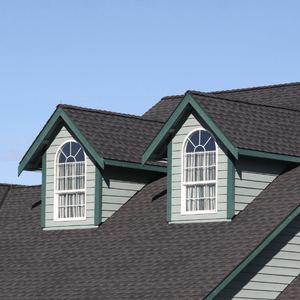
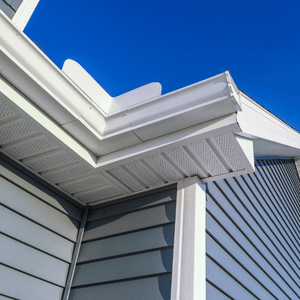
The exterior design tool is not limited to siding profiles alone. You can also explore how stone siding accents from Versetta Stone work alongside a primary siding material, or how different trim and soffit combinations affect the overall look of the home. For homes with dormers or bay window features, previewing aluminum capping and architectural trim options in the visualizer gives a more complete picture of the finished exterior. Provia window styles can also factor into the overall design, since window frames and profiles contribute significantly to curb appeal. The goal is to give you as complete a view as possible of your home's new exterior, so the finished result matches what you had in mind from the start.



Exterior Design Tool Questions
Common Questions About Visualizing Your Home Exterior
Can I use the exterior design tool with my own home's photo?
Many home exterior visualization tools allow you to upload a photo of your actual home and apply siding colors, profiles, and materials directly to it. This gives you a much more accurate preview than working from a generic house template. The goal is to give you a realistic picture of the finished exterior before any work begins.What siding materials can I preview using the design tool?
The visualizer covers the full range of products we install, including insulated Crane Board solid panel siding, Celect Cellular Siding, LP SmartSide engineered wood, James Hardie fiber cement, and CertainTeed siding. You can also preview stone accents using Versetta Stone products. Each material has its own profile options and color palettes, so you can compare how a 7-inch reveal insulated panel looks versus a standard fiber cement profile side by side before making any decisions.How does the reveal width change the appearance of a home's exterior?
The reveal is the visible portion of each siding panel after installation. Standard hollow back vinyl typically uses a 3 to 5-inch reveal, which tends to give homes a flatter, more generic appearance. Crane Board insulated siding uses a 7-inch reveal, which closely replicates the look of traditional cedar lap siding from the 1960s and 70s. On a full home facade, that wider reveal creates a noticeably more architectural and premium appearance. Using a home exterior visualization tool lets you see that difference applied to a real home image rather than just reading about it.Does the visualizer help with choosing trim and accent colors too?
Yes. A good exterior design tool lets you work through more than just the primary siding color. You can preview how different trim colors, soffit finishes, and stone accents interact with the main siding material. For homes with dormers, bay windows, or other architectural features, this is especially useful because the trim and capping work contributes significantly to overall curb appeal. Seeing all the elements together on screen gives you a much clearer picture than reviewing individual material samples.Is the design tool useful when I am still deciding between siding materials, not just colors?
Absolutely. The visualizer is just as useful for comparing different materials as it is for comparing colors within a single product line. If you are weighing insulated Crane Board siding against Hardie Board fiber cement, or trying to decide whether a stone accent makes sense for your home, seeing both options rendered on a home image makes the comparison much more concrete. Many homeowners in Ballwin and Chesterfield find that the visualization step is what helps them move from considering multiple products to feeling confident about one specific direction.Do I need to use the design tool before getting an estimate?
Using the exterior design tool before requesting an estimate is not required, but it can make the estimate process more productive. When you have already narrowed down your material and color preferences, the conversation with Brad Coburn can focus on installation specifics, warranty details, and project scope rather than starting from scratch on product selection. The visualizer is a resource to help you feel prepared, not a required step before getting a quote.Can I preview Versetta Stone accents alongside siding in the design tool?
Yes. Versetta Stone is one of the products available through our exterior design tool, and it works particularly well when previewed alongside a primary siding material. Stone accents are commonly used on lower portions of a home facade, around entryways, or as accent sections on dormers and bay features. Seeing how a stone accent interacts with a specific siding color and profile helps homeowners in West County and St. Charles County decide whether the combination fits the look they are going for before any materials are ordered or installed.
What West County Homeowners Are Saying
Real Local Customer Reviews
We’d love to hear about your experience with us! Your feedback not only helps us continue improving, but it also helps others feel confident in choosing our services. If we’ve made a positive impact, we’d truly appreciate you taking a moment to share your thoughts. Your review means a great deal to our team and plays an important role in supporting our business. Thank you for helping us grow!